How to Manage Multiple Projects Without Losing Your Mind
How to Manage Multiple Projects Without Losing Your Mind
At some point in a growing company, everyone becomes a multi-project person.
The product manager who used to own one roadmap now owns three. The designer who worked on a single product area now has four different teams requesting work. The engineer who was deep on one codebase is now fielding questions about two others.
The work didn't necessarily get harder. But the organizational overhead went up sharply. More context to hold. More systems to check. More meetings to track. More people to update. And at the end of the week, a nagging feeling that something important probably slipped.
Multi-project management is one of the more underserved problems in modern work. Most productivity advice assumes you have one job. Most tools are optimized for one team working on one thing. The reality for a lot of people is considerably messier.
The Context-Switching Tax of Multiple Projects
Moving between projects is more cognitively expensive than moving between tasks within a project.
When you switch tasks inside a project, the context is the same. You know the stakeholders, the current state, the recent decisions. The switch is just a change of focus.
When you switch projects, you're reloading a different context: different stakeholders with different priorities, different current state, different recent decisions you may or may not remember clearly. That reload takes time. Research on task-switching suggests it can take fifteen minutes or more to fully re-engage with a different domain after a context switch.
For someone managing four projects, that overhead adds up quickly. Multiply four context loads per day by fifteen minutes each and you've consumed an hour of productive capacity just in switching.
The goal of multi-project management isn't to eliminate context switching — you're going to switch. It's to make the reload as fast as possible so the cost per switch is low.
What Fast Context Reload Actually Requires
Fast reload requires the context to be externalized and immediately accessible. Not in your memory. Not in a Slack thread from last week. In the project space, structured and current, so that opening the project gives you what you need to pick it up without a warm-up period.
In Closot, this means each project has a consistent structure: a brief at the top (what are we trying to achieve), a board or table showing current task state, a timeline showing upcoming milestones, and a log of recent decisions. When you switch to a project, you spend two minutes reading the current state before you do anything. That two minutes replaces fifteen minutes of reconstruction from memory.
The habit is simple: before you do any work in a project, read the current state document. Before you leave a project, update it. The state document is always accurate because updating it is part of the workflow, not an add-on to it.
The Dashboard That Shows Everything
One view that's underused for multi-project work: a personal or team dashboard that shows the high-level status of everything simultaneously.
Not the details of each project — a dashboard isn't for reading deeply. It's for the morning check: what's on track, what needs attention, what's coming up this week across everything. Five minutes on the dashboard at the start of the day gives you enough to triage where your time should go before you're deep in any individual project.
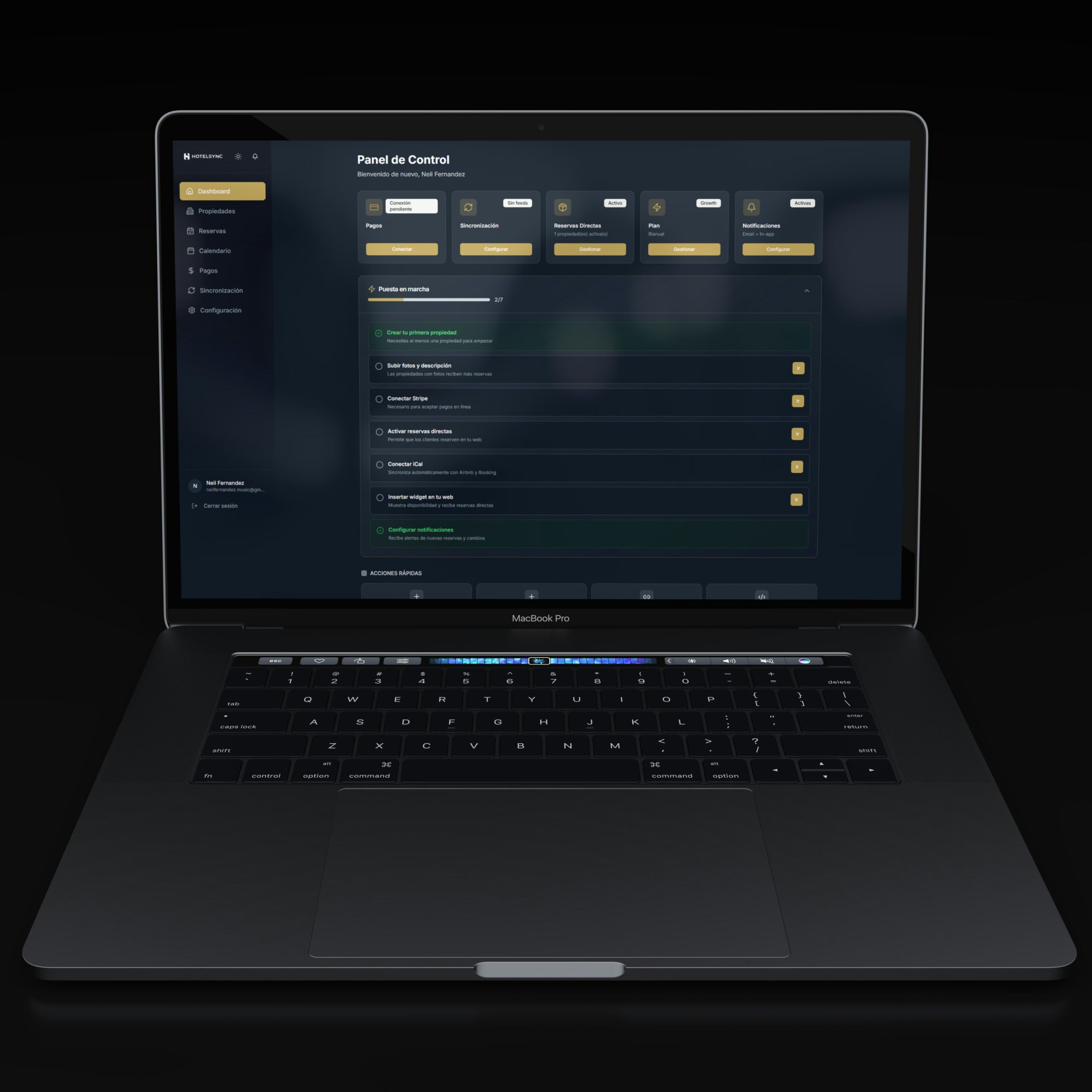
In Closot, a dashboard can pull from multiple project boards simultaneously. One view shows the open blockers across three projects. Another shows the upcoming milestones in the next two weeks. Another shows the tasks assigned to you, sorted by due date, regardless of which project they belong to.
This view doesn't replace the project board. It supplements it — giving you the orientation you need before you go deep, without requiring you to open each project individually and reconstruct the overall picture from parts.
Saying No to the Right Things
Multi-project management eventually becomes a capacity problem, and capacity problems require prioritization. The teams and people who manage multiple projects well tend to share one trait: they're explicit about what isn't getting attention, and when.
This sounds obvious. In practice, most multi-project people avoid this conversation. They say yes to everything, let timelines slip, and manage the resulting disappointment one relationship at a time rather than one honest conversation up front.
The explicit version: here are the three projects I'm actively working on this week, here is my rough time allocation, and here is what I'm not going to get to until next week. Put in the project spaces, visible to stakeholders, updated as things shift.
This creates something useful: a shared, real-time understanding of what each person is doing and not doing. Stakeholders who can see the current allocation have better context for prioritization conversations. The conversation about "can we move the deadline" becomes "here's what it would displace" rather than "I'll try to figure something out."
When Everything Feels Urgent
Multi-project environments tend to generate a particular kind of false urgency. Everything is marked high-priority because everyone who is marking things high-priority is only seeing their project. From where they sit, their project is the most important one.
This is a systems problem, not a people problem. Without visibility into what else is in flight, stakeholders have no way to self-calibrate. They can't see that the designer they're waiting on is also blocking two other projects. They just know they're waiting.
When projects are visible in a shared workspace — when stakeholders can see the board and understand the current state — the urgency calibrates naturally. Not because people become less demanding, but because they have enough context to participate in the prioritization conversation rather than just expressing frustration.
Closot gives multi-project teams a shared workspace with dashboards, boards, and docs across all projects — so context is always a click away. Try it free.